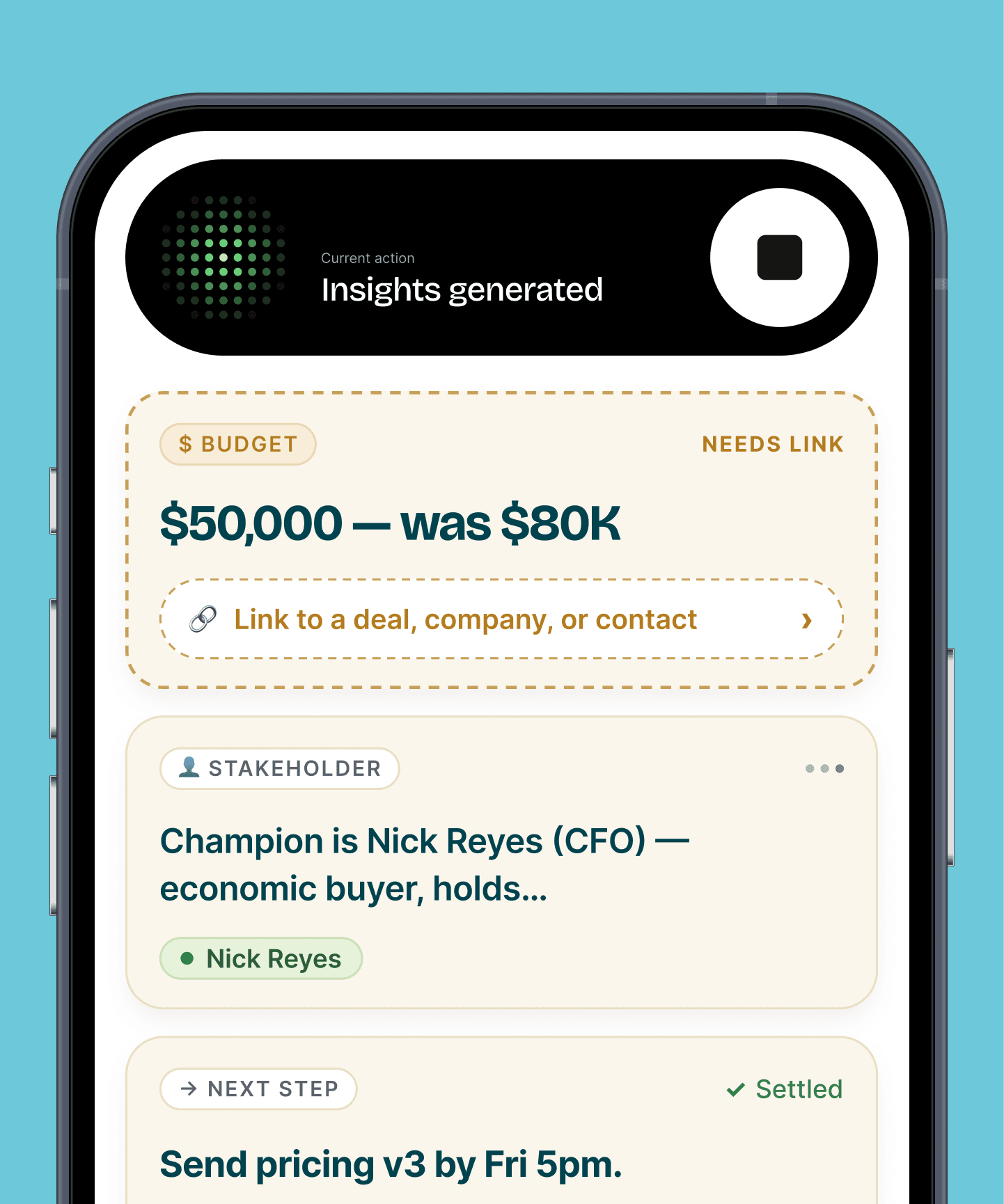
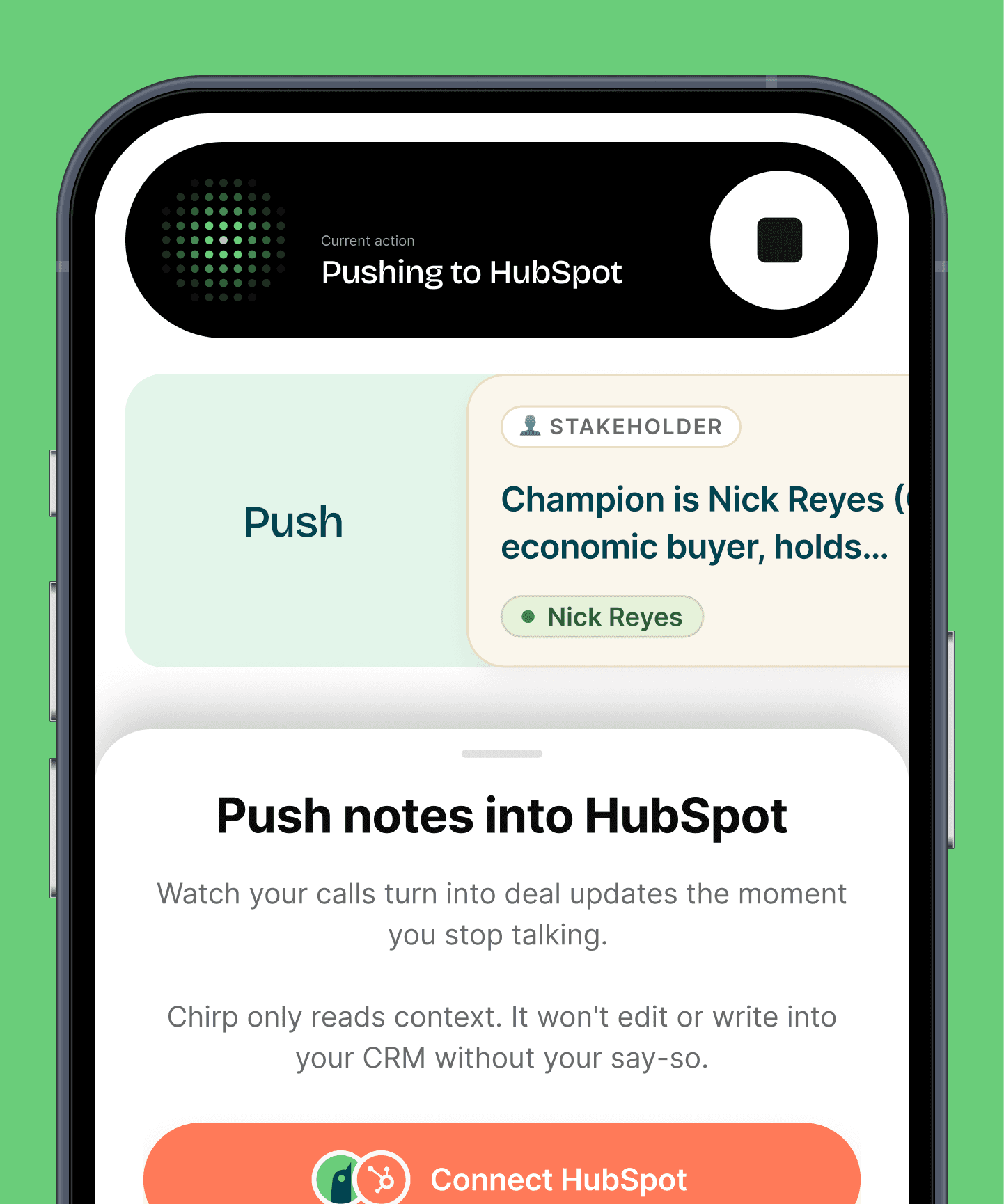
Brief me.
Walk in with the whole file in your head.
Ask Birdie for the rundown before the meeting. Last review, open actions, what changed in their life. Birdie reads the file so you don't have to.

Talk to Birdie after every review, call and meeting. Birdie writes the file note, logs the actions and schedules the follow-up before your next client sits down.

“Margaret's comfortable moving to growth. Rebalance the super and add her daughter as beneficiary. Review again in March.”
Brief, command, or note. Birdie knows a review from a referral.
Ask Birdie for the rundown before the meeting. Last review, open actions, what changed in their life. Birdie reads the file so you don't have to.
Say what you agreed. Birdie creates the tasks, assigns the paraplanner and sets the review date. Nothing lives in your head until Friday.
Tell Birdie what was said and what was decided. Birdie writes the note against the client, with source and time, ready for review.
0 typing
into your CRM. Ever again.
<30 sec
to log any update.
100%
Birdie's listening.
Four moments. Zero typing.
“Brief me on Margaret Chen.”

Last review in March. Two open actions. She asked about beneficiaries.
“She's moving to growth. Rebalance and add her daughter as beneficiary.”
File note written. Two tasks sent to the paraplanner.
“Remind me to send David the insurance quote by Thursday.”
Task set. Thursday, 9am.
“Any file notes I haven't finished this week?”
None. Clean week.
Ask a question. Drop a command. Leave a note. Birdie knows a review from a referral.
"What did I agree with the Patels at their last review?"
Birdie answered in 4s"Set Margaret's next review for March and assign the SOA to Priya."
2 tasks created"David's risk appetite has dropped since the redundancy. Revisit before rebalancing."
Saved to client file"Which clients have reviews due before June 30?"
11 clients listed"Log today's call with the Nguyens as a file note."
File note saved"Client mentioned an inheritance. Raise estate planning next time."
Next-step queuedHubSpot, Salesforce and Pipedrive today. Planning-specific CRMs are next. Tell us what your practice runs. Contact us
Birdie writes the note from what you said, against the right client, with source and time. It sits in your CRM like any note you'd type, and it's yours to edit.
Birdie writes to your CRM through your own connection. Every update is tagged with its source and time and tracked, so nothing is overwritten by accident. Read the privacy policy
Free to start. Unlimited voice sessions with Birdie and up to 200 records. Paid plans lift the record cap. See pricing